
In today’s fast-paced world, having an appointment booking website is essential for businesses of all sizes. Customers expect convenience, and online scheduling allows you to manage appointments efficiently, reduce no-shows, and grow your revenue.
This guide will walk you through everything you need to know about creating and optimizing an appointment booking website, from planning and design to automation and marketing — all with tools like Epicsellr that simplify the process.
Why You Need an Appointment Booking Website
If you run a service-based business, an appointment booking website is more than just a calendar — it’s a way to streamline operations and improve customer experience. Benefits include:
- 24/7 appointment scheduling
- Automated reminders to reduce no-shows
- Integration with payment systems
- Analytics to track bookings and revenue
Knowing why you need an appointment booking website helps you understand how it can save time, improve efficiency, and increase profits.
Step 1: Identify Your Business Needs
Before building an appointment booking website, identify what your business requires:
- Number of staff or service providers
- Types of services offered
- Payment and cancellation policies
- Integration with existing tools (email, CRM, etc.)
Defining these needs ensures your appointment booking website functions smoothly and meets both your and your clients’ expectations.

Step 2: Choose the Right Platform
Selecting a reliable platform is key to creating an appointment booking website. Look for features like:
- Online scheduling and calendar management
- Automated reminders via email or SMS
- Payment integration for deposits or full payments
- Customizable booking forms
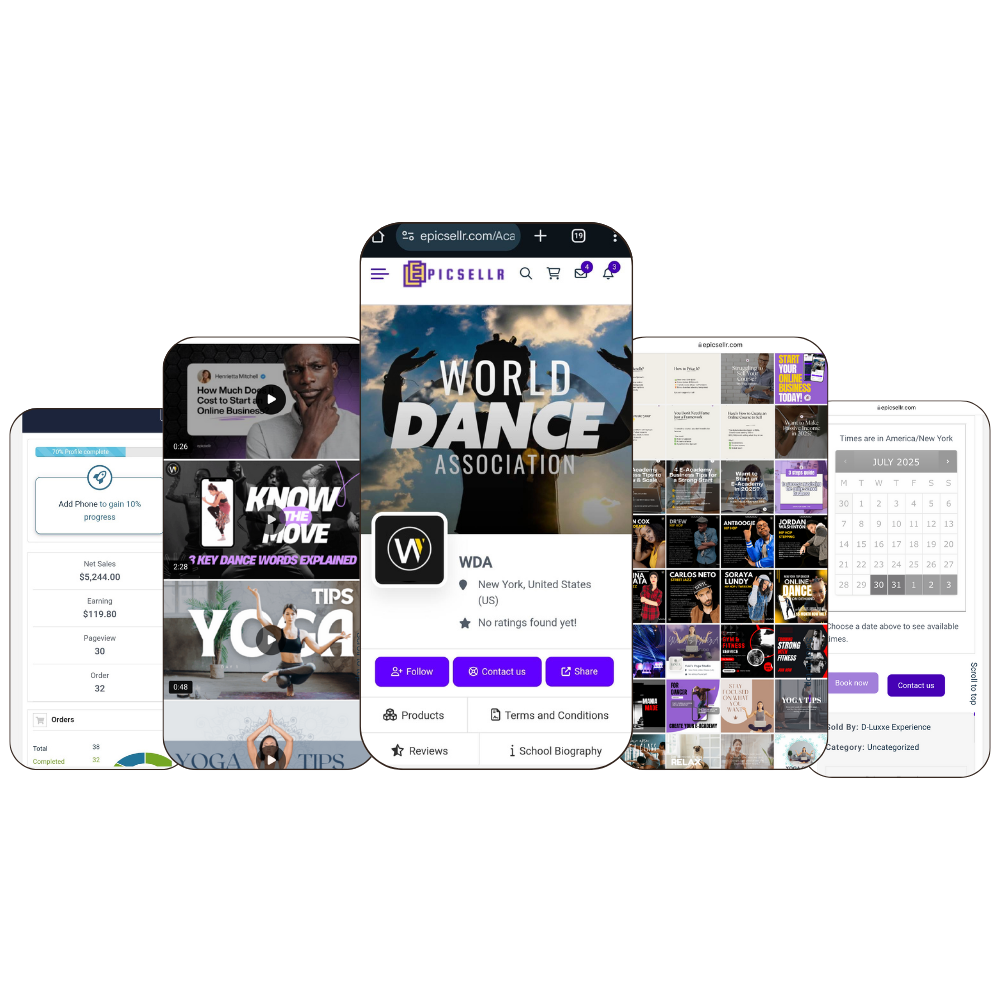
Platforms like Epicsellr allow you to build a fully functional appointment booking website quickly, without coding or multiple plugins.
Step 3: Design Your Appointment Booking Website
Design matters when creating an appointment booking website. A user-friendly, visually appealing layout increases bookings and improves the customer experience.
Tips for design:
- Keep navigation simple
- Highlight available time slots clearly
- Use brand colors and logos for consistency
- Optimize for mobile devices
A professional appointment booking website makes scheduling easy and builds trust with clients.
Step 4: Set Up Services and Staff
An effective appointment booking website needs clearly defined services and staff schedules.
- List all services with descriptions, duration, and pricing
- Assign staff or providers to each service
- Set availability and buffer times between appointments
Proper setup ensures your appointment booking website runs efficiently and prevents double bookings or scheduling conflicts.
Step 5: Integrate Payments and Automation
Automation is crucial for any appointment booking website. Features to implement include:
- Online payment options (credit card, PayPal, etc.)
- Automatic confirmation and reminder emails
- Rescheduling and cancellation options
- Analytics to track appointments and revenue
Using a platform like Epicsellr allows you to automate these processes, saving time and reducing errors while running your appointment booking website.
Step 6: Market Your Appointment Booking Website
Having an appointment booking website is only effective if clients know it exists. Promote your site using:
- Social media ads (Instagram, Facebook, LinkedIn)
- Email campaigns to existing clients
- Search engine optimization (SEO) to attract new clients
- Blogging or content marketing to showcase expertise
Marketing ensures your appointment booking website gets traffic and converts visitors into booked appointments.
Step 7: Track and Optimize Performance
Analytics help you understand how your appointment booking website is performing. Track metrics like:
- Number of bookings per week
- No-show rates
- Popular services
- Revenue generated
Regularly optimizing your appointment booking website improves efficiency, client satisfaction, and overall profitability.

Step 8: Scale Your Appointment Booking Website
Once your appointment booking website is running smoothly, scaling is easier. You can:
- Add more services or staff
- Offer memberships or subscriptions
- Expand to new locations or markets
- Integrate additional tools like marketing automation
Platforms like Epicsellr make scaling seamless, allowing you to focus on growing your business while your appointment booking website handles the logistics.
Common Mistakes to Avoid
Even with a great appointment booking website, mistakes can hurt your business:
❌ Overcomplicating the booking process
❌ Ignoring mobile optimization
❌ Failing to automate reminders or payments
❌ Neglecting marketing and promotion
Avoid these errors to ensure your appointment booking website is efficient, user-friendly, and profitable.
Final Thoughts: Launch Your Appointment Booking Website Today
A professional appointment booking website streamlines scheduling, improves customer experience, and drives growth for service-based businesses.
Platforms like Epicsellr make it easy to:
- Build and customize your website in minutes
- Automate bookings, reminders, and payments
- Track performance and scale effortlessly
If you’re ready to save time, reduce no-shows, and grow your business, the best time to launch your appointment booking website is now.
👉 Create your appointment booking website today at Epicsellr and start managing appointments like a pro.