
Choosing the right platform to deliver educational content and training programs can dramatically impact learner engagement, business scalability, and long-term success. If you’ve ever felt confused about the differences between an LMS, LCMS, and CMS, you’re not alone.
This in-depth guide breaks down LMS vs LCMS vs CMS, explains their differences, similarities, and ideal use cases, and helps you decide which solution (or combination) is right for your online education or digital business.
Key Takeaways
- An LMS delivers, manages, and tracks structured learning programs.
- A CMS publishes and manages general website and marketing content.
- An LCMS focuses on creating, authoring, and managing learning content collaboratively.
- Choosing the right system depends on your goals: delivery, publishing, or content creation.
- Modern all-in-one platforms combine LMS vs LCMS vs CMS features into a single cost-effective solution.
Introduction: Why LMS vs LCMS vs CMS Matters
As an educator who experienced both traditional classrooms and online learning, it became clear early on that successful education isn’t just about content. Just like offline learning, online education is shaped by the tools you use and how well they create engaging, empowering experiences.
Understanding LMS vs LCMS vs CMS helps you choose the right infrastructure to support learners, teams, and long-term growth.
Understanding LMS vs LCMS vs CMS
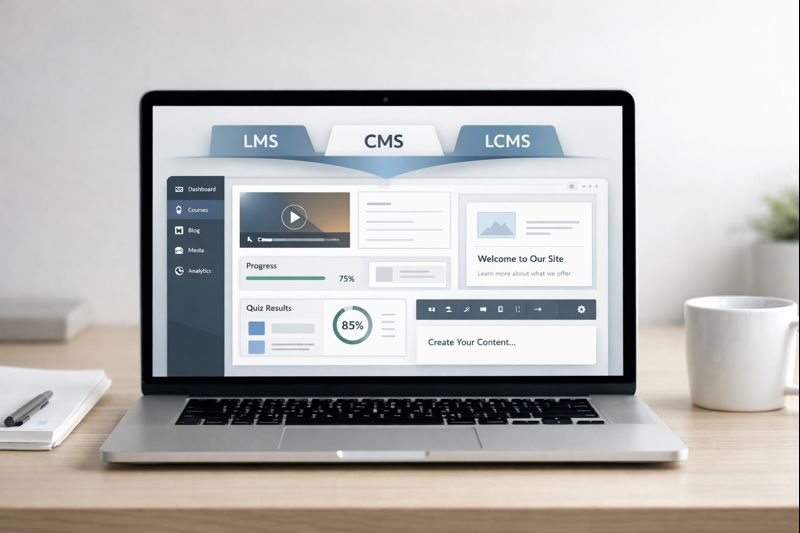
Although these platforms may appear similar, they serve fundamentally different roles in the digital learning ecosystem.
- LMS → Learning delivery, tracking, and administration
- CMS → Website content creation and publishing
- LCMS → Learning content creation and collaboration
Think of it this way:
- Running structured training? You need an LMS.
- Publishing blogs or marketing content? A CMS is ideal.
- Building custom learning content with a team? Choose an LCMS.
The core distinction in LMS vs LCMS vs CMS lies in their primary focus: delivery, publishing, or creation.
What Is an LMS (Learning Management System)?
A Learning Management System (LMS) is a platform designed to create, deliver, track, and report on training programs and educational courses.
Key Features of an LMS
- Course management and structured learning paths
- Learner enrollment and user access control
- Quizzes, assignments, and assessments
- Progress tracking and completion reports
- Analytics and performance insights
- Interactive tools (forums, certificates, gamification)
- Mobile learning access
- SCORM compliance
Pros of an LMS
- Automates grading and progress tracking
- Keeps learners on structured learning paths
- Boosts engagement through interactive tools
- Provides detailed analytics
- Easy content updates
Cons of an LMS
- Initial setup may feel overwhelming
- Can require budget allocation
- Advanced customization may need technical skills
When to Use an LMS
An LMS is ideal for:
- Corporate training and onboarding
- Compliance and certification programs
- Professional development
- Customer education
- Academic eLearning
If your priority in LMS vs LCMS vs CMS is delivery and learner tracking, an LMS is the clear winner.
What Is a CMS (Content Management System)?
A Content Management System (CMS) allows you to create, manage, and publish digital content such as articles, videos, and landing pages.
Key Features of a CMS
- Page and post editors
- Media libraries
- User roles and permissions
- SEO optimization tools
- Themes and design customization
- Plugin and extension support
- Version control
Pros of a CMS
- Affordable and often free
- Easy to use without coding
- Ideal for SEO and marketing
- Fast content publishing
- Public access without logins
Cons of a CMS
- No learner tracking or assessments
- Static educational content
- Limited personalization
- Plugin maintenance issues
When to Use a CMS
A CMS is best for:
- Blogs and content websites
- Marketing funnels
- Public educational resources
- Simple workshops or webinars
In the LMS vs LCMS vs CMS comparison, a CMS excels at visibility and publishing—not learning management.
What Is an LCMS (Learning Content Management System)?
A Learning Content Management System (LCMS) focuses on creating, managing, and collaborating on learning content at scale.
Key Features of an LCMS
- Advanced authoring tools
- Centralized content repositories
- Content version control
- Team collaboration workflows
- Reusable learning objects
- SCORM export
- Personalized learning content
Pros of an LCMS
- Powerful content creation
- Efficient reuse of modules
- Supports team collaboration
- Scales large content libraries
Cons of an LCMS
- Steeper learning curve
- Higher cost
- Requires instructional design expertise
- Limited learner management
When to Use an LCMS
An LCMS is ideal if:
- You create custom learning content frequently
- You manage large content libraries
- Multiple experts collaborate on courses
- Localization and personalization are required
Within LMS vs LCMS vs CMS, LCMS shines in content creation—not delivery.

Understanding SCORM Compliance
SCORM (Sharable Content Object Reference Model) ensures learning content works across platforms.
Why SCORM Matters
- Content portability
- Platform interoperability
- Reliable learner tracking
- Vendor independence
Both LMS and LCMS platforms typically support SCORM, making it essential in LMS vs LCMS vs CMS decisions.
LMS vs LCMS vs CMS: Feature Comparison
Purpose & Focus
- LMS: Training delivery and tracking
- CMS: Content publishing
- LCMS: Learning content creation
Content Structure
- LMS: Structured learning paths
- CMS: Flat pages and posts
- LCMS: Modular reusable content
Engagement
- LMS: Forums, gamification, certificates
- CMS: Minimal interaction
- LCMS: Interactive content creation
Analytics
- LMS: Learner progress and performance
- CMS: Traffic and page views
- LCMS: Content usage analytics
Similarities Between LMS, LCMS, and CMS
- Content hosting and management
- User access control
- Branding and customization
- Cloud-based accessibility
How to Choose the Right Platform
Ask yourself:
1. What is your main goal?
- Training delivery → LMS
- Publishing content → CMS
- Content creation → LCMS
2. Do you need learner tracking?
- Yes → LMS
- No → CMS
- Content analytics → LCMS
3. How important is engagement?
- Critical → LMS
- Minimal → CMS
- Content quality → LCMS
When to Choose an All-in-One Solution
Managing multiple platforms is expensive and inefficient. Modern solutions combine LMS vs LCMS vs CMS into one system.
Benefits of an All-in-One Platform
- Course creation and delivery
- Website and blog management
- Learner analytics
- Interactive content tools
- Communities and gamification
- SEO and marketing tools
- White-label branding
All-in-one platforms reduce costs, simplify workflows, and create seamless learner experiences.
Using LMS, CMS & LCMS in One Tool
A unified system allows you to:
- Deliver structured online courses
- Track learner engagement
- Create interactive content
- Build and manage a learning website
- Publish blogs and marketing pages
- Optimize SEO
- Sell digital products and subscriptions
This approach is ideal for scaling online education businesses.
Real-World Use Cases
Corporate Training
Global companies benefit from LMS-driven onboarding with consistent training and progress tracking.
Educational Resource Hubs
Organizations offering certifications need more than a CMS—they need learner analytics, assessments, and engagement tools.
Why Epicsellr Is Better: LMS, CMS & LCMS in One Platform
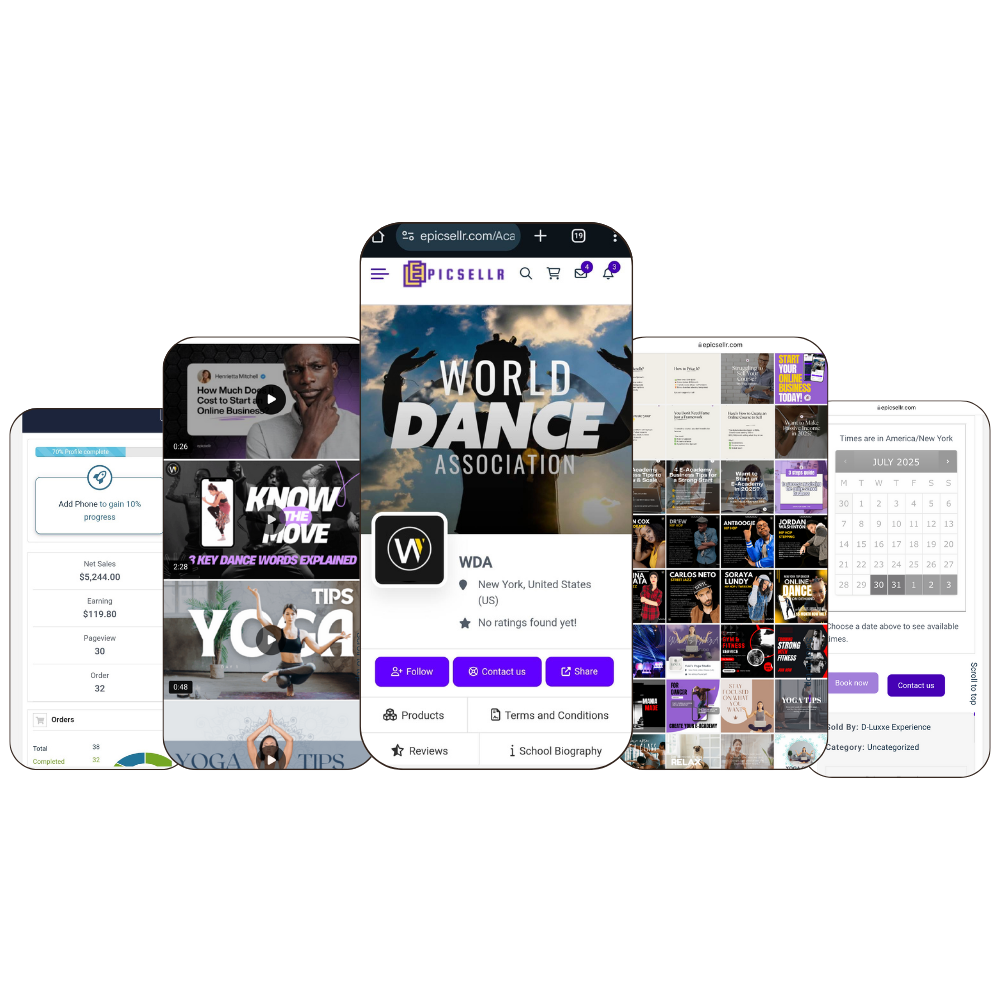
While many platforms force you to choose between LMS vs LCMS vs CMS—or pay for multiple tools—Epicsellr is built to remove that tradeoff entirely.
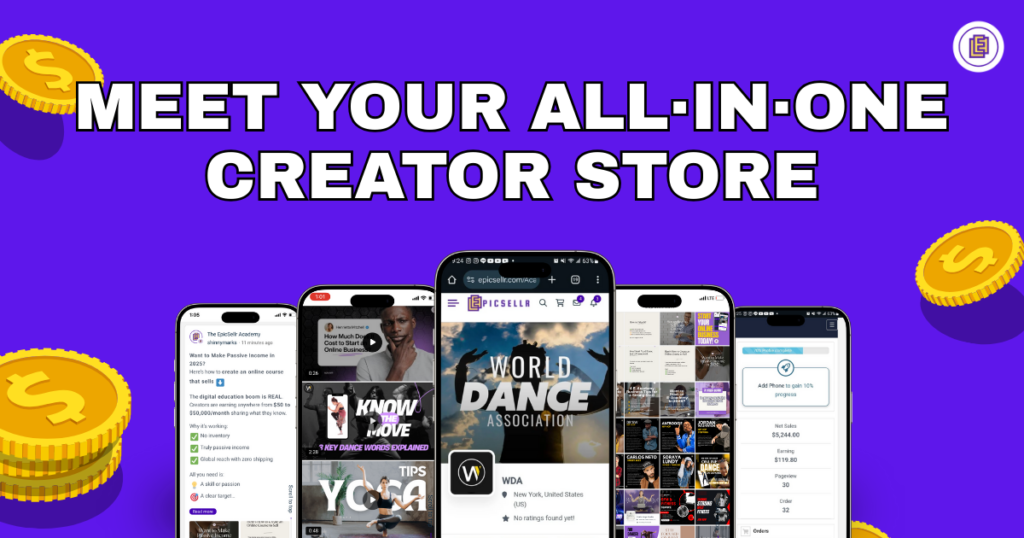
Epicsellr is an all-in-one platform designed for creators, educators, coaches, and online business owners who want to create, sell, deliver, and scale digital learning experiences without tech overwhelm.
Instead of juggling an LMS for courses, a CMS for your website, and additional tools for payments, subscriptions, and communities, Epicsellr brings everything together in one streamlined system.
How Epicsellr Combines LMS, CMS, and LCMS
Epicsellr as an LMS
- Deliver structured online courses, memberships, and programs
- Track learner progress, engagement, and completion
- Offer subscriptions, one-time payments, or bundles
- Automate content delivery and customer access
- Create smooth onboarding experiences for students and customers
Epicsellr as a CMS
- Build and manage your website without coding
- Publish blog content, landing pages, and sales pages
- Optimize content for SEO to drive organic traffic
- Customize branding to match your business identity
- Manage public and gated content in one dashboard
Epicsellr as an LCMS
- Create and organize learning content efficiently
- Reuse lessons, modules, and assets across products
- Update content centrally without breaking existing courses
- Collaborate with teams on content creation
- Scale your content library as your business grows
Why Epicsellr Is Better Than Using Separate Tools
When comparing LMS vs LCMS vs CMS, Epicsellr stands out because it focuses on outcomes, not just features.
Here’s what makes Epicsellr better:
- One platform, zero tool chaos: No need to connect multiple systems or manage integrations
- Lower total cost: Replace expensive LMS, CMS, email, and checkout tools
- Faster setup: Launch courses, websites, and subscriptions in days—not months
- Built for selling: Native checkout, subscriptions, and digital product delivery
- Creator-first design: Simple UI without sacrificing power
- Scalable by default: Grow from your first sale to thousands of users
- Global-ready: Perfect for international creators and multilingual audiences
Unlike traditional LMS platforms that feel rigid and corporate—or CMS platforms that lack learning functionality—Epicsellr is designed for modern online businesses that monetize knowledge.
When Epicsellr Is the Right Choice
Epicsellr is ideal if you:
- Want to sell online courses, memberships, or digital products
- Need both content marketing and structured learning
- Plan to scale without rebuilding your tech stack
- Prefer simplicity over patchwork tools
- Want full control over branding, pricing, and customer experience
If your goal is to build a profitable, scalable education or digital product business, Epicsellr eliminates the traditional LMS vs LCMS vs CMS dilemma by giving you everything in one place.
Final Thoughts: LMS vs LCMS vs CMS
The difference between LMS vs LCMS vs CMS comes down to focus:
- LMS excels at structured training delivery and tracking
- CMS is best for publishing and marketing content
- LCMS specializes in creating and managing learning materials
But for creators and businesses who want speed, flexibility, and revenue, an all-in-one solution like Epicsellr is the smartest path forward.
Instead of asking which system to choose, the better question is:
Why choose multiple tools when one platform can do it all?
Epicsellr empowers you to build, sell, and scale your knowledge business—without limits.
Start Free with Epicsellr 🚀
Ready to stop juggling tools and finally launch your courses, content, and digital products in one place?
Register with Epicsellr today and get:
- ✅ 7-day free trial (no commitment)
- 🎁 3 free gifts to help you launch faster and sell smarter
- ⚡ Full access to LMS, CMS, and LCMS features
- 🌍 A scalable platform built for modern creators and educators
Whether you’re building your first online course or scaling an established education business, Epicsellr gives you everything you need—without tech overwhelm.
👉 Register now and start your 7-day free trial with 3 free gifts included.